
-

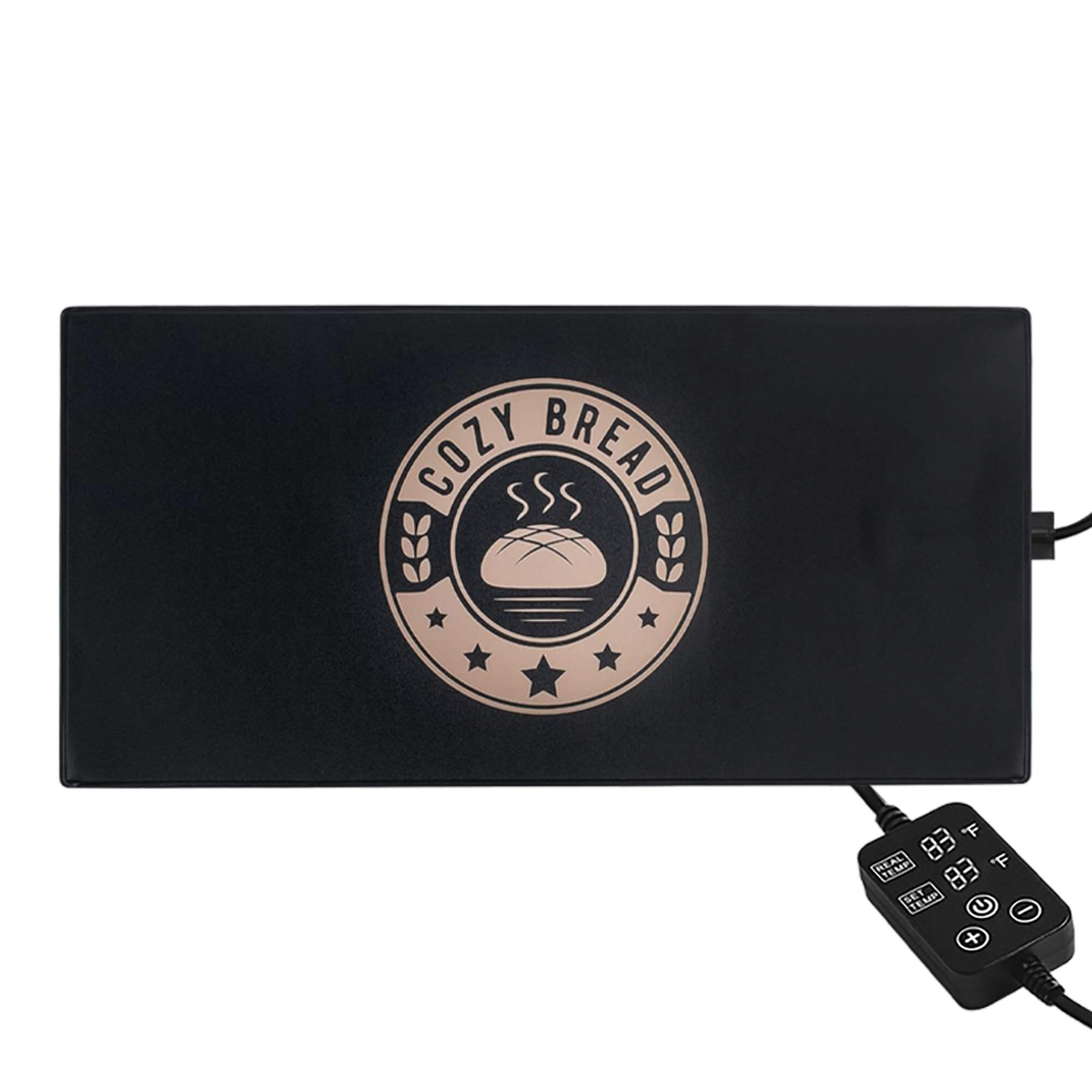
Power Button
Press once to turn power ON or OFF
-

Temperature Controls
Touch (arrow-down) to decrease the temperature. Touch (arrow-up) to increase the temperature.


-

Setup
- Connect the AC plug to the Climate Cube (as shown).
- Then plug the power cable into the wall outlet.
- The default set temperature is 70°F.

Temperature Setting Range
50-99°F (Max cooling 15°F below room temp.)
Collapsible content
Operation
- If the set temperature is above the ambient temperature the Climate Cube will heat. If the set temperature is below the ambient temperature the Climate Cube will cool. This operation is automatic.
- The Climate Cube has a temperature memory function. If you turn it off and back on while plugged in, it will retain the last temperature setting. However, if the power cable is unplugged and reconnected, it will reset to the default temperature of 70°F.
Specifications
- AC 110-240V
- Temperature range 50-99°F
- The highest set temperature is 99°F.
- The minimum temperature is limited by room (ambient) temperature. The cooling effect can reach around 15°F below the room temperature.
Safety and Use Guidelines
- To prevent condensation, when changing the temperature setting from cooling to heating (or heating to cooling) more than a 27°F difference, first turn off the Climate Cube and open the door for approximately 5 minutes.
- Do not block the air vents at the rear of the Climate Cube. Allow several inches (~4in) behind the Climate Cube to provide for adequate airflow.
- For best results, do not place the Climate Cube in a location with extreme temperature variations. Avoid placing in direct bright sunlight, near heating or cooling vents, radiators, appliances such as countertop ovens or other sources of extreme heat or cold.
- Do not place corrosive or flammable materials inside the Climate Cube.
- Do not disassemble the product or remove covers.
- If the Climate Cube is not used for a long time, it should be kept in a dry environment.
- Avoid dropping the Climate Cube.
- Do not use the Climate Cube to store perishable food items.
- Use the included power cord in the package to ensure proper use.
- Extension cords are not recommended.
Warm Reminder
- To shut down the Climate Cube properly, press the power button to turn off the device, then wait 5–10 minutes before unplugging it.
- After extended use, the Climate Cube should be powered off and left unplugged for at least 1 hour to allow it to reset.
- Condensation is normal with long-term use of the Climate Cube due to its semiconductor cooling system. Rapid temperature changes or frequent opening and closing can cause warm air to enter and meet the cold air inside, resulting in moisture buildup.
- It is recommended to gently wipe away any condensation with a soft cloth 1–2 times per week. Always turn off the Climate Cube and ensure it is unplugged before cleaning.